
Slide deck
Presentations with a clear story.
Design workspace
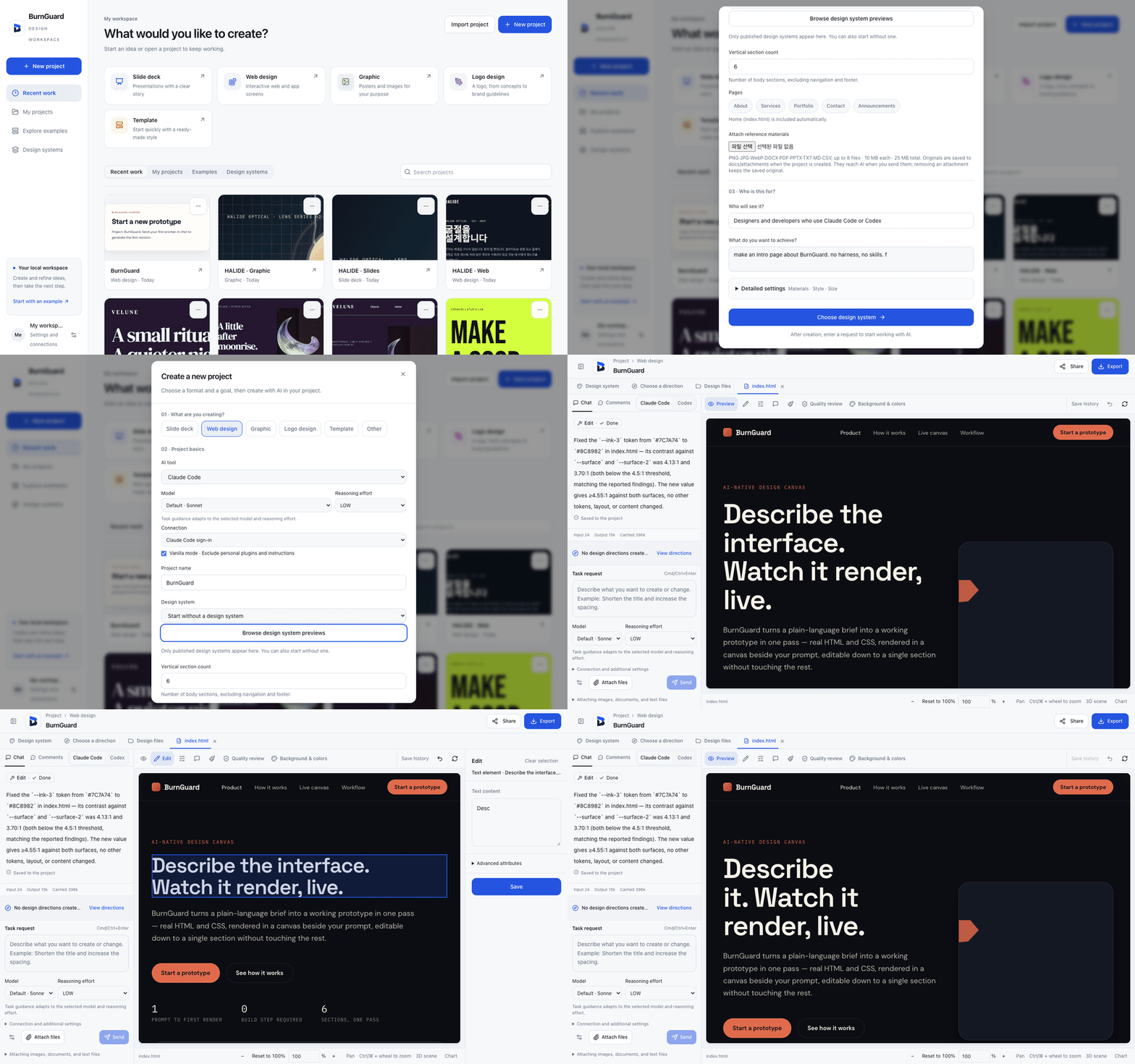
BurnGuard turns a prompt into slide decks, web designs, graphics, logos and templates, then lets you refine the result right on a live canvas.
github.com/ashmoonori-afk/BurnGuard
Workspace home recreated in HTML · sample prompt
Demo
Start from the workspace home, pick what you want to make, and keep recent work, your projects, examples and design systems one click away.
What you make
Each project type in the workspace sets up the right canvas for the job, so you begin with a format instead of a blank page.
Presentations with a clear story.
Interactive web and app screens.
Posters and images for your purpose.
A logo, from concepts to brand guidelines.
Start quickly with a ready-made style.
How it works
Pick a project type, open an example, or apply one of your design systems.
Write a prompt in plain language and BurnGuard builds the first version.
Review the live render, ask for changes, and keep iterating until it's right.
The source, setup notes and releases live in the repository.
git clone https://github.com/ashmoonori-afk/BurnGuard